 Proudly Made in America


A smartphone dash cam makes road recording more approachable. The real value comes from keeping useful footage, finding it when it matters and bringing more of your vehicle life together.
You see the value of a dash cam. Then comes the project: choosing the equipment, finding the right mounting position, arranging power and learning how to get a useful recording out of it.
Depending on the setup, there may be cables to route, a memory card to manage or another camera to connect. Even after installation, there is still a question worth asking: if something important happens, how easily will you find and keep the footage?
A smartphone dash cam app offers an opportunity to make that whole experience more approachable. OcuRide is being built around that idea: road recording connected to saved moments, trip replay and a wider vehicle companion.
Make it easier to get started
Installation effort is a real consideration. AutoInsurance.com’s published driver research identifies installation complexity, price and privacy concerns among reasons some people have considered a dashcam without buying one.1
For a driver, every extra decision can become another reason to leave the task for later.
A phone is already a familiar part of daily life. A compatible app can put recording and reviewing footage into an interface the driver carries with them. A phone-only setup can also avoid purchasing and installing a separate recording camera.
There is still preparation: a secure mount, a clear view, suitable power and a compatible phone. The goal is to make those steps understandable and the recording status clear, so the driver can set up before moving and concentrate on the road.
When accounts differ, your recorded perspective matters
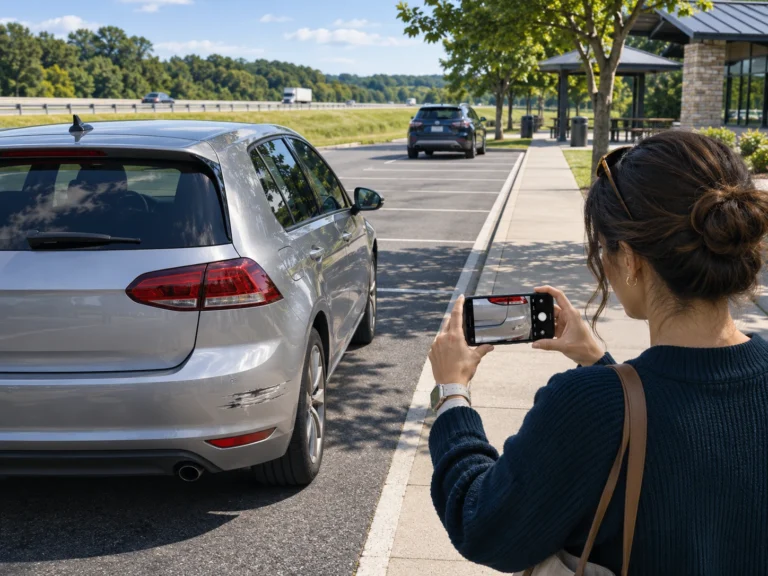
A minor collision can turn into a much larger interruption. There is damage to assess, information to exchange, a claim to explain and uncertainty about what happens next.
The accounts may not match. Another person may dispute your description or make a statement you believe is wrong. You should be able to preserve your own view of the drive rather than depend entirely on what you can explain afterward.
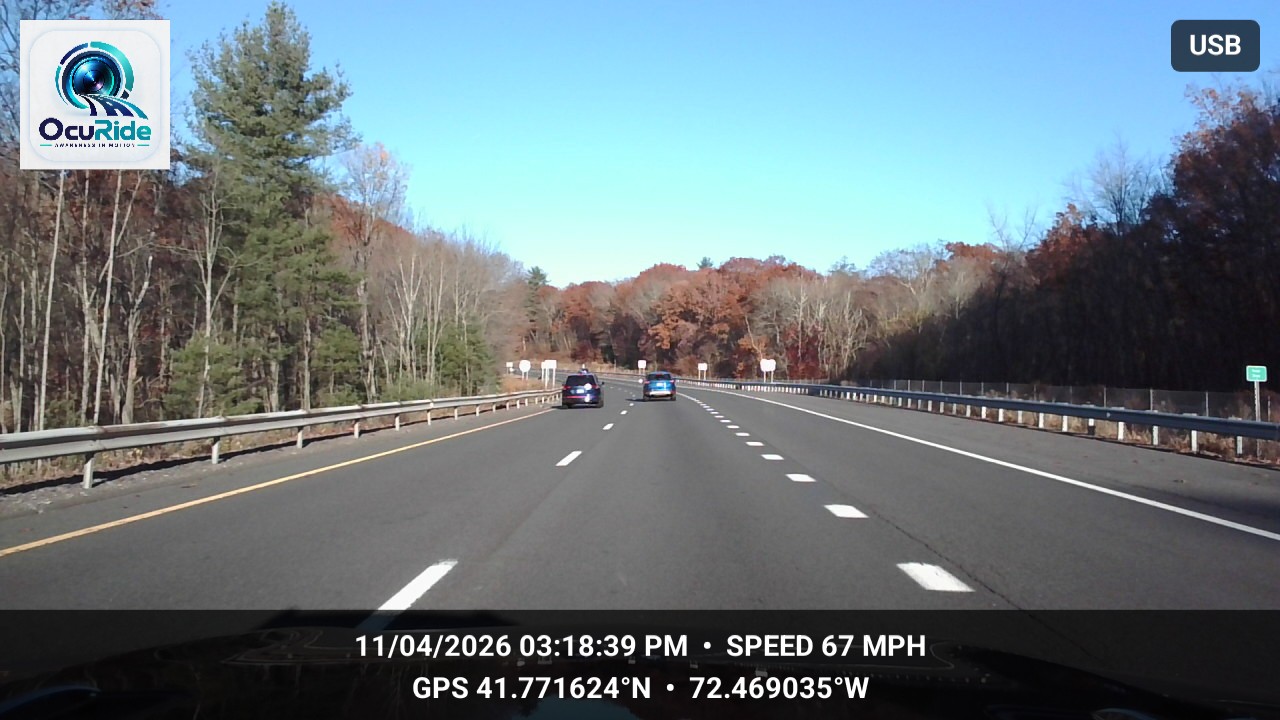
A usable recording may show where vehicles were, how they moved and what the camera captured before an incident. That sequence can add context to photographs, witness accounts and other claim information.
The financial concern can continue after repairs. An accident may affect future insurance costs; the effect depends on the circumstances, insurer, policy and applicable rules.2 That makes a clear record worth taking seriously.
Footage provides a recorded perspective. It does not determine fault or guarantee a claim decision, discount or unchanged premium. Its practical value is giving you something concrete to review and provide through the appropriate claims process.
Recording is only the first step
The next questions are simple. Was the relevant moment recorded? Can you find it? Has the clip been saved? Is there another copy if the recording device becomes unavailable?
Local storage has limits. A camera and its recording media may remain with the vehicle after an incident, and recovery depends on being able to access the device and read the file.
A phone can also be damaged, lost or lose power. That makes a separate, completed copy valuable with either kind of recording setup.
Three stages deserve clear treatment:
- Recorded: video was captured.
- Saved: the useful clip was retained locally.
- Backed up: a separate copy finished transferring to its destination.
An upload waiting for a connection has not yet created that separate copy. The useful question is whether the transfer completed and whether the saved file can be opened later.
A phone-based product should be judged by how clearly and reliably its recording, saving and sync workflow works. Check each stage in your own setup before relying on a separate copy.
OcuRide’s storage direction brings local recording and optional Google Drive sync into that wider workflow. The storage and sync guide explains the separate stages. The important experience is knowing what remains on the phone, what has been selected for sync and what has successfully transferred. Supported release features and settings govern that process.
Find the moment without searching through the whole drive
A collection of video files can still leave work for the person who needs them. Which journey was it? Where did the moment happen? Which clip contains the relevant part?
Trip replay brings available recordings back into the context of the journey. A route, trip details and saved moments can make it easier to return to the part you want to review.
OcuRide connects its road-recording story with that trip experience. The recording and replay guide explains the connected workflow. The purpose is useful access after the drive: revisit the route, locate a saved moment and review the available footage together.
That can matter after an unexpected event. It can also matter on a good day, when the clip you want to keep is a scenic stretch of road or a journey worth remembering.
The vehicle documents belong in the same conversation
Driving creates more to manage than video. Registration, insurance and inspection or emissions documents have dates, details and a habit of being needed when you are busy.
OcuRide Wallet extends the experience into that everyday work. Photograph a document, review the suggested category and extracted information, assign it to the right vehicle and keep the electronic copy alongside the reviewed details.
The review step matters. Less typing should still leave the person in control of the vehicle assignment, important information and dates they save.
Reminders help bring those dates forward. OcuRide’s standard reminder lead time is 30 days, with timing that the user can review and set. The benefit is practical: less manual entry and a place to keep important vehicle records and renewal dates.
Questions drivers ask
Can a smartphone be used as a dash cam?
A compatible smartphone dash cam app can use the phone camera to record the road. Secure mounting, suitable power, storage and device support still matter.
Is OcuRide only a dash cam app?
OcuRide brings road recording together with trip replay, saved moments and a vehicle document Wallet. Platform availability and supported camera or sync configurations are announced for each release.
A useful companion should earn its place every day
A smartphone dash cam app has room to become useful across the whole journey: preparing for a drive, recording the road, keeping an important moment, reviewing the trip and organizing the vehicle records around it.
That is the direction behind OcuRide. Easier access to a recorded perspective is part of the value. So are the everyday reasons to return to the app, even when the drive went exactly as planned.
Android is the initial early-access focus. iPhone timing and supported camera and sync configurations will be announced separately. Set up before driving, mount securely and follow the recording rules where you travel.
Explore OcuRide and request early access
Sources
Sources checked November 16, 2026.