 Proudly Made in America

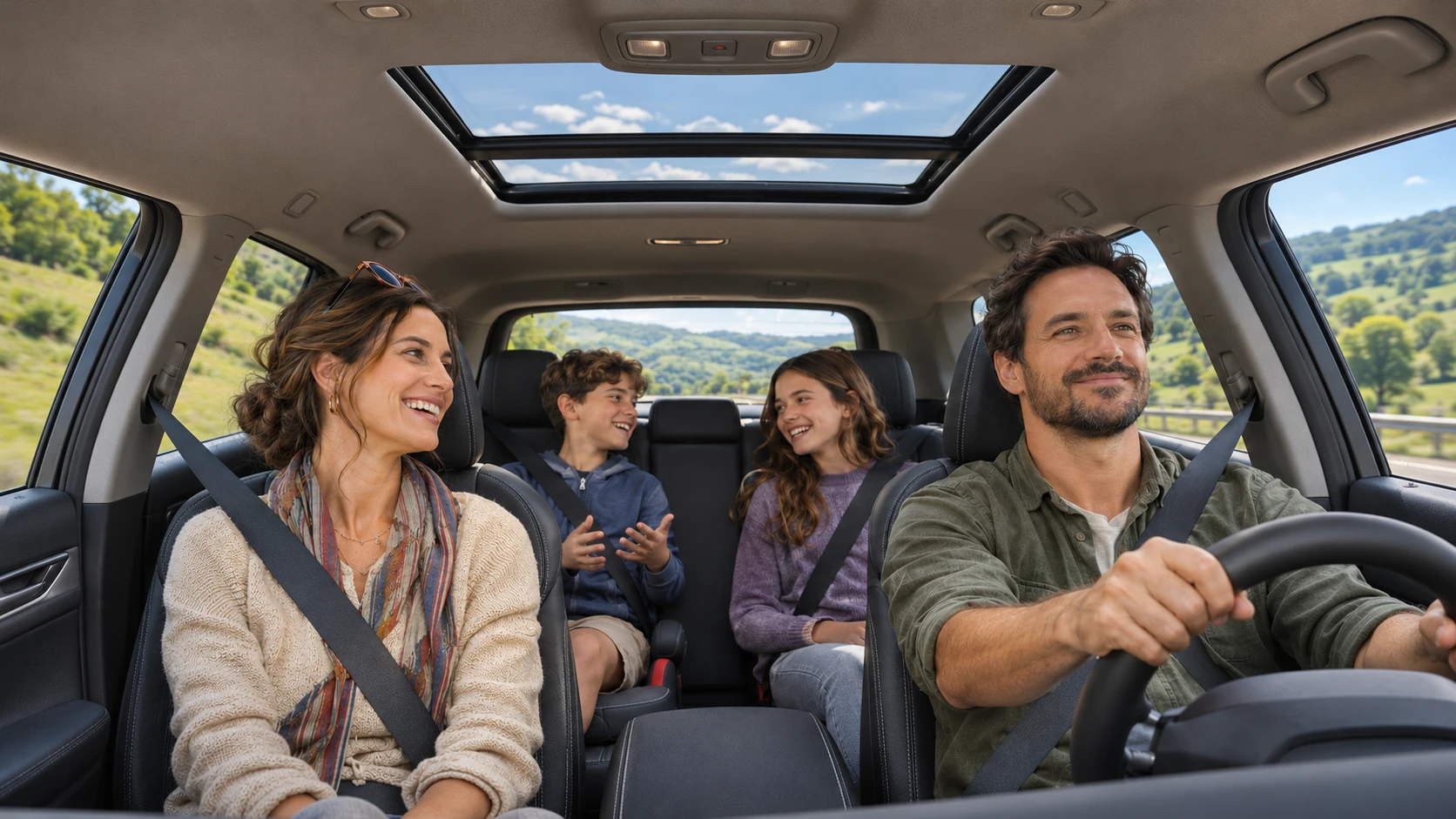
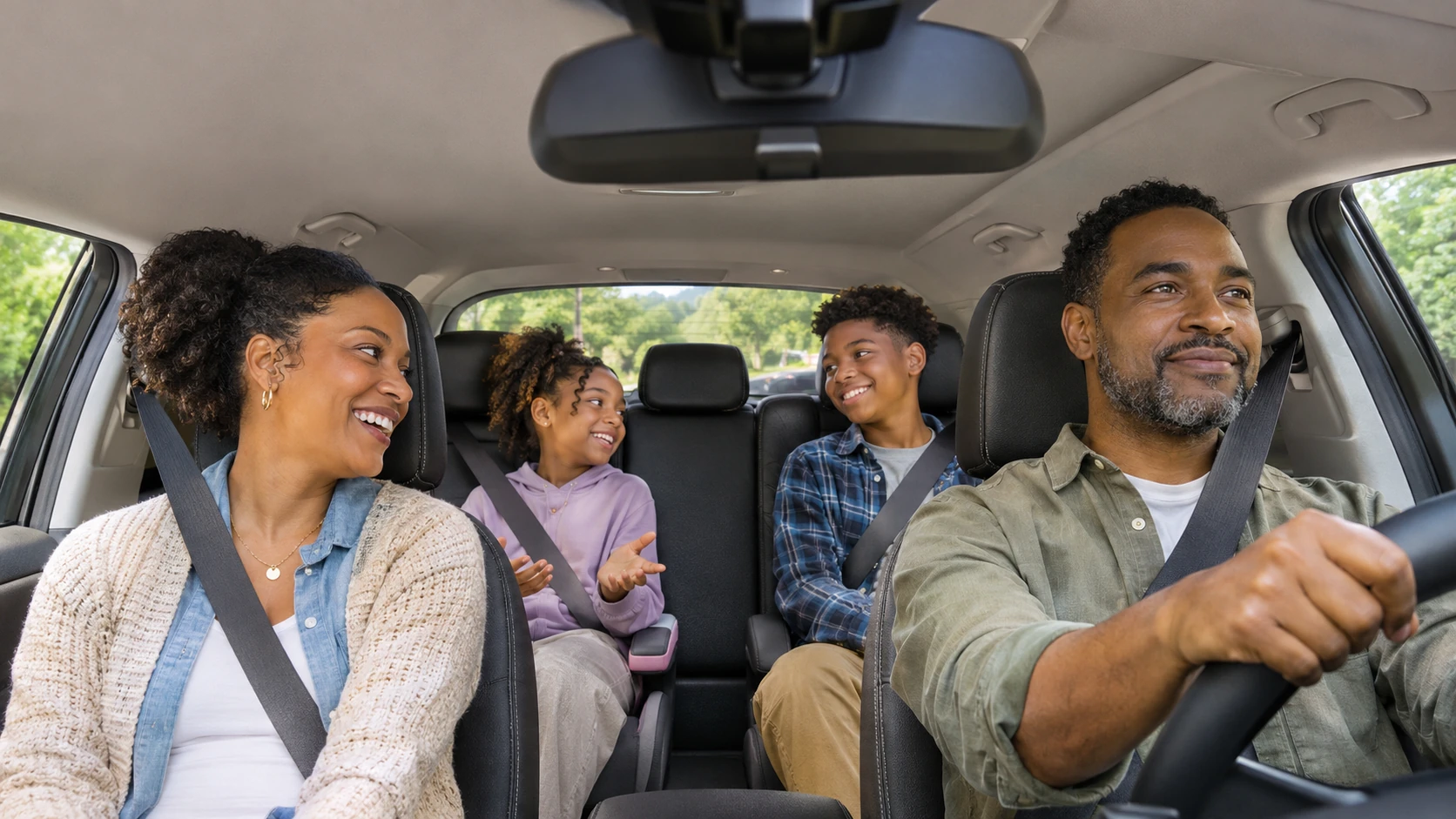
The road is one part of a road trip. The people sharing it are another. A wide highway view can bring back the landscape; a cabin view can capture the shared experience inside the vehicle.
Road trip recording can tell a richer story when a supported setup offers more than one perspective. The useful starting point is the view you want to keep, followed by a clear understanding of what your phone, cameras and app release actually support.
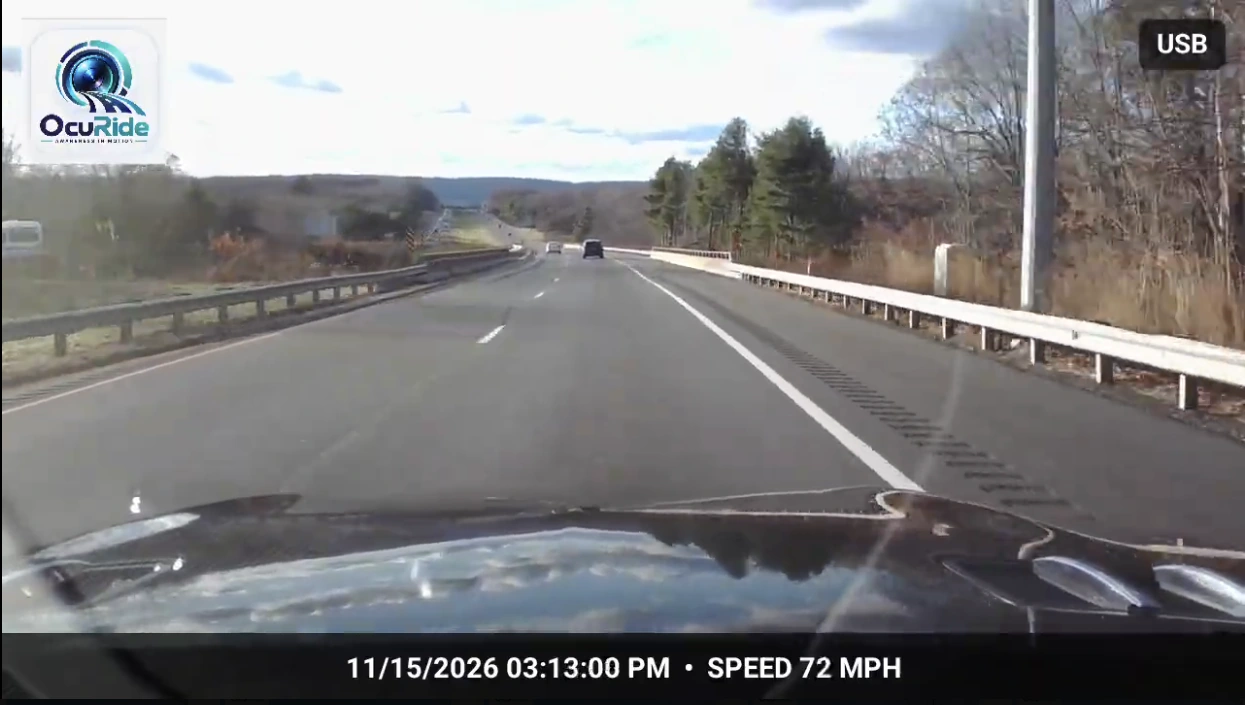
Keep the view ahead
A forward-facing view can preserve the changing road, an approach to a destination or a stretch you want to revisit later. Frame the camera before moving and check a test recording, so the saved view matches what you expected.
A good journey is full of ordinary moments that become meaningful later. Recording does not have to be framed only around a problem. It can also help you keep the route and scenery that made the drive memorable.
Add a cabin perspective where supported
With a supported additional-camera setup, an inward view can complement the road. It offers a different perspective on the journey rather than replacing the forward view.
Discuss cabin recording with the people travelling with you and follow applicable recording rules, particularly for audio. Think about what you want to retain and what is appropriate to share before making a family recording public.
More cameras means more details to verify
“Multi-camera” can describe different arrangements. A phone camera plus a supported external camera is different from assuming every built-in lens can record simultaneously.
Check the exact combination of phone, connection, camera and app release. Confirm which views can record, whether they are retained and how you find each file afterward. Do not infer compatibility from a connector shape or a camera specification alone.
OcuRide’s multi-camera direction is part of its wider journey story. Supported configurations and release details govern the available experience; the website’s visual examples are not a compatibility list.
Give each view a purpose
- Road: the route ahead, the visible conditions and the landscape.
- Cabin: the people travelling together, where supported and appropriate.
- Trip context: the date and journey that help you recognize and revisit the recordings.
That simple plan helps avoid recording more material without knowing how you will use it. It also gives you a way to check the setup: does each saved view contain what you intended?
Return to the journey after arriving
OcuRide connects the recording story with trip replay. A recognizable trip and its available context help you return to the road footage or a moment worth keeping.
Review clips after stopping safely. Keep useful sequences and check any supported export or separate-copy process before clearing local storage. A scenic clip is still a file worth protecting if you would miss it later.
Set it up before the family gets moving
Secure equipment, route cables away from controls and check framing without obstructing the driver’s view. Make sure the setup does not require attention while the vehicle is moving.
A recording system should fit around the journey. The people in the vehicle should be able to enjoy the trip while the driver concentrates on driving.
Explore OcuRide road trip perspectives and the recording and replay guide for the current story and supported release information.
Questions drivers ask
Can OcuRide record the road and cabin on every phone?
No universal compatibility claim is made. Additional views depend on the supported phone, camera combination, connection and app release.
How can I find a road-trip moment afterward?
Start with the saved journey and its date, then review the available recordings and event context. Check the actual clip and keep a copy of the sequence you want to revisit.
Capture the road. Keep the useful moments. Revisit the journey. Explore OcuRide and request early access.